
Ecommerce site migration without losing important URLs: a redirect map and acceptance tests
 Dmytro Popryadukhin
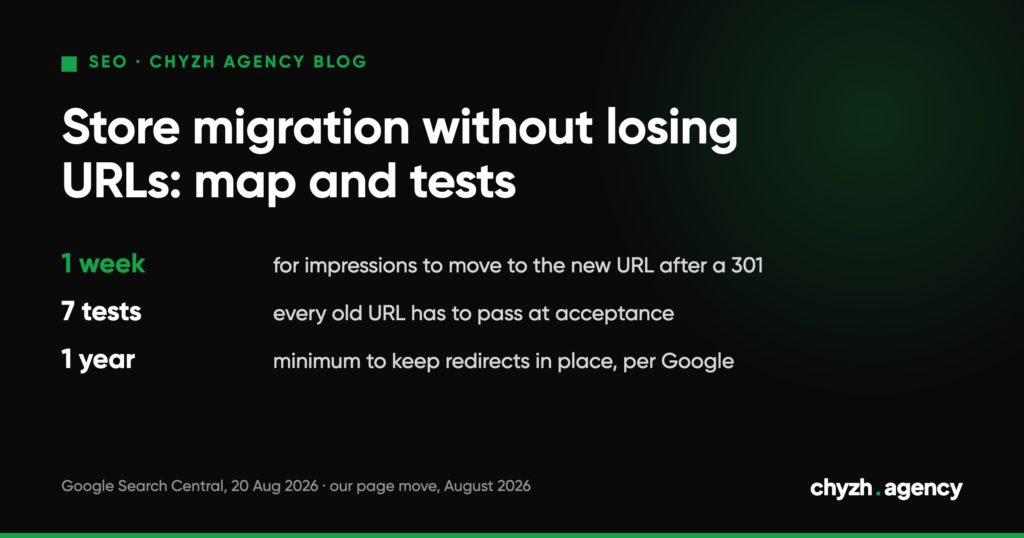
Short answer. Before you move to a new platform, collect every old URL that has impressions, clicks, sales or external links, and match each one to its closest equivalent on the new site. Redirect with a 301 in a single hop, with no chains and no mass redirects to the home page. After launch, run the old URLs through an automated check and keep the redirects for at least a year. That’s what Google recommends in its guide to site moves (updated 20 August 2026).
After a migration, traffic usually gets lost on small things: old links inside body copy, redirect chains, products that “haven’t gone anywhere” and still return a 404. Below you’ll find a sample map, the acceptance tests, and our own page move in August 2026, with numbers.
Where to get the list of old URLs
One source isn’t enough. Each one shows its own slice of the site:
| Source | What it gives you | What it won’t show |
|---|---|---|
| Search Console, Performance report for 16 months | URLs with impressions and clicks | pages with sales but no impressions |
| Analytics (GA4) | landing pages and pages with purchases | pages that are indexed but get no visits |
| Backlink databases (Ahrefs, SE Ranking, etc.) | URLs other sites link to | the internal structure |
| Sitemap and a full crawl of the old site | every URL the site itself serves | URLs that stayed in the index after they were removed from the structure |
| Ad campaigns and feeds | URLs in ads and in Merchant Center | organic traffic |
Merge the lists and remove duplicates. Leave URLs with sorting and filter parameters out of the map unless they had impressions.
A sample redirect map
The example is hypothetical: a store moves from WordPress with WooCommerce to another platform, and the URL format changes.
| Old URL | New URL | Rule | Why |
|---|---|---|---|
/product-category/kurtky/ |
/catalog/kurtky/ |
301, 1:1 | same category |
/product/kurtka-zymova-m/ |
/catalog/kurtky/kurtka-zymova-m/ |
301, 1:1 | same product |
/product/kurtka-2023/ |
/catalog/kurtky/ |
301 to category | product discontinued, the closest match is the category |
/product-category/rozprodazh-2024/ |
none | 410 | the section is gone and has no equivalent; Google may treat a redirect to the home page as a soft 404 |
/ru/product-category/kurtky/ |
/ru/catalog/kurtky/ |
301, 1:1 | language version, its own pair |
/product-category/kurtky/?orderby=price |
not in the map | not migrated | sorting with no impressions |
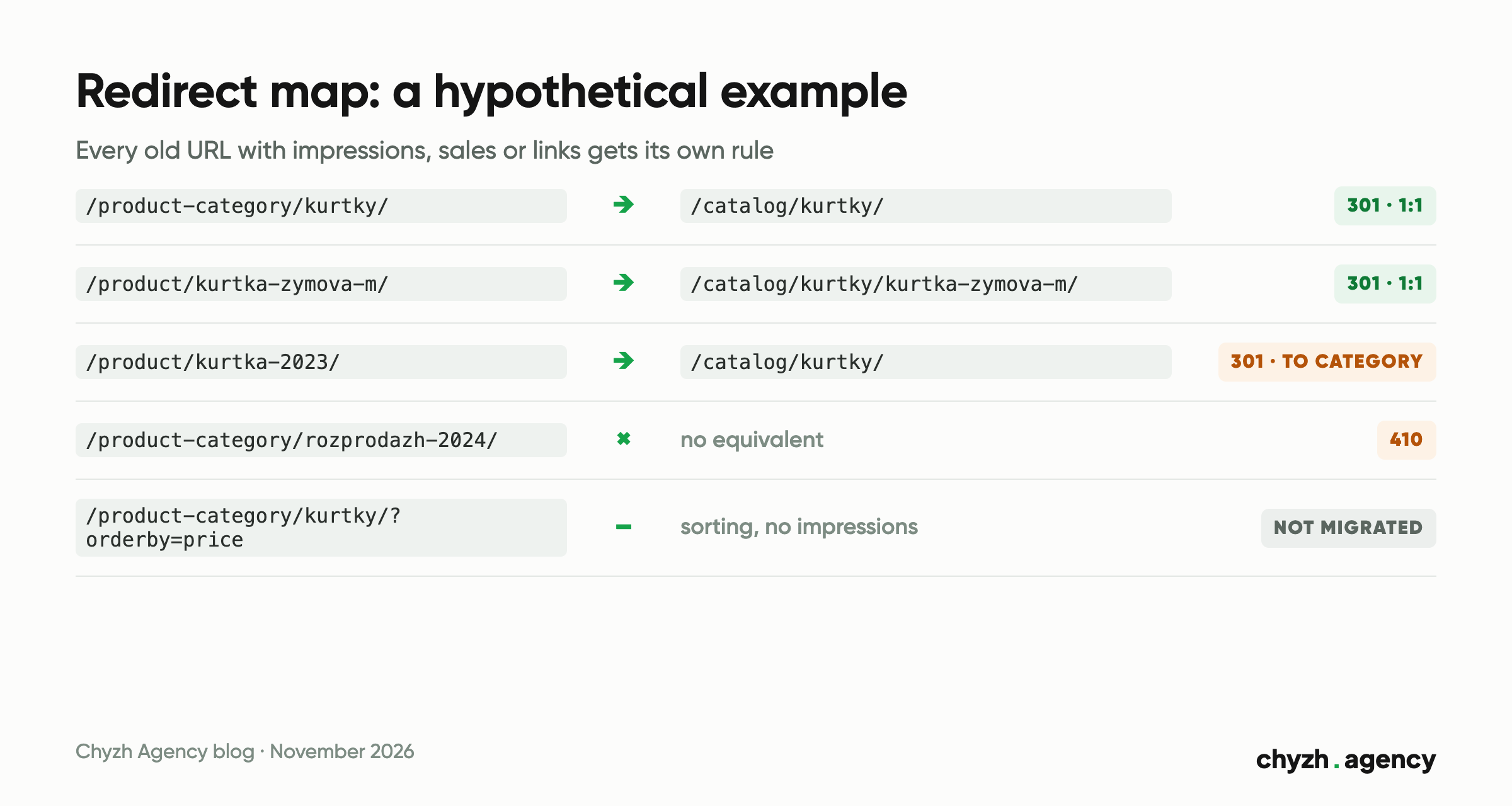
Agree on a rule for discontinued products in advance. If a product has a replacement, redirect to the replacement. If there’s no replacement, redirect to the category. If the whole category is gone, return a 410: a home page with nothing on it that resembles the product someone was looking for won’t help a shopper.
Acceptance tests after launch
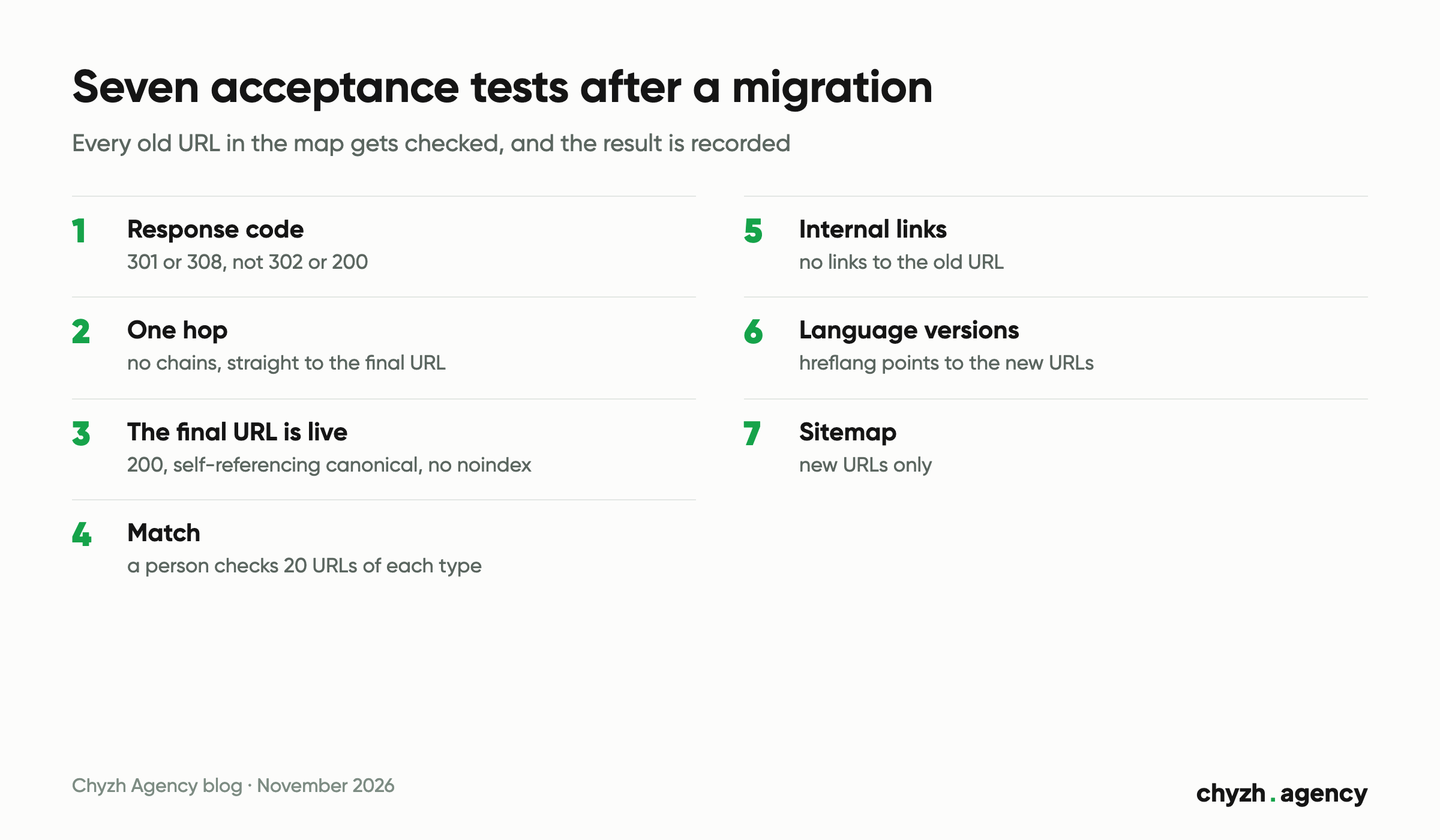
The developer says the redirects are set up. That isn’t acceptance. Acceptance means every old URL in the map has been checked and the result has been recorded.
- Response code. Every old URL returns a 301 or 308. A 302 doesn’t pass, and neither does a 200 serving the same page.
- One hop. There’s exactly one redirect between the old URL and the new one. Google says Googlebot will follow up to 10 hops, but recommends pointing straight to the final URL and keeping chains short, ideally no more than three.
- The final URL is live. The new URL returns a 200, has a self-referencing canonical and doesn’t carry a
noindex. - Match. On a sample of at least 20 URLs of each type, a person opens the old and new URLs and checks that they show the same product or category.
- Internal links. A crawl of the new site finds no internal links to the old URL.
- Language versions. hreflang on the new pages points to the new URLs in other languages.
- Sitemap. The new sitemap contains only new URLs.
The fifth test is the one that fails most often, and we know that from our own experience.
Our own move: what Search Console showed
On 28 August 2026 we changed the URLs of our GEO service pages in three languages, for example the Russian one from /ru/aeo-prodvizhenie-i-optimizatsiya/ to /ru/geo-prodvizhenie/, and set up 301s.
| Week (starting Monday) | Old RU URL impressions | New RU URL impressions |
|---|---|---|
| 10 August | 31 | 2 |
| 17 August | 37 | 4 |
| 24 August | 42 | 2 |
| 31 August | 0 | 34 |
| 7 September | 0 | 46 |
| 14 September | 0 | 43 |
Google moved the impressions to the new URL within the first week, and the impression level held. The volumes are small, so treat this as an illustration of the mechanics. It proves nothing for a large store.
Now for what went wrong. Our internal links to these pages lived inside content blocks on other pages, outside the template. Changing the page URL didn’t update them, so after the move ten pages in three languages still linked to the old URLs through the redirect. We found them with a crawl and fixed them. The footer menu items were a separate job: the language versions of the menu are linked to each other, and changing a URL in one language doesn’t update the others.
What to monitor for the first three months
- the Pages report in Search Console: a sharp rise in “Not found (404)” after launch means there are holes in the map;
- impressions and clicks by page group: old URLs should fade out, and new ones should grow to roughly the same level;
- organic sales in analytics broken down by category, since the overall chart alone isn’t enough;
- server logs or a crawler: are new chains appearing when someone changes URLs on the new site?
Don’t remove the redirects for at least a year. Google’s reasoning is that this gives it time to transfer signals to the new URLs, including links from other sites.
Next step
If you’re only planning a migration, start by collecting old URLs from the five sources in the table above. How we support migrations and new store launches is described on our ecommerce SEO page. For an example of moving a live store from WordPress to Laravel while keeping its customer and order database, see the AquaPro case study.
Author: Dmytro Popryadukhin, Head of SEO at Chyzh Agency. Reviewed by Yevhenii Chyzh, founder.
Sources: Google Search Central, “Site moves with URL changes”, updated 20 August 2026; Search Console for chyzh.agency, weekly impressions for the old and new URLs of the Russian-language GEO service page, August–September 2026; project notes on the page move of 28 August 2026; Google Ukraine search results for a Ukrainian-language query on moving an online store to a new platform without losing SEO, 12 November 2026.
Related articles
New pages on our site got a first impression in 14 days and a first...

Six areas an SEO audit covers and the six fields a finding needs to get...
What to check before the first call and what to put in an SEO contract....