
iOS app development company — native Swift development
When you need maximum performance, access to every iPhone capability and flawless quality — that’s native iOS in Swift. 15 years of iOS development. Our mobile team has led this practice since 2011.
What is iOS app development
iOS app development is building native apps for iPhone and iPad in Swift, with the interface in SwiftUI or UIKit. The full cycle covers requirements and a spec, UX/UI design, coding, testing and the App Store release, then support after launch.
Chyzh Agency has built native iOS apps since 2011. Among them are Wi-Fi AR, Qela and Status Skin; the cases are further down this page.
When you need native iOS specifically
Native iOS is the maximum of quality and capability. On its own it’s no more expensive than Flutter — the premium only appears when you need both platforms (two codebases instead of one). So native is chosen when you need iOS only, or when performance and deep system integration are critical. It’s one part of mobile app development — we pick the stack that fits the job.
You only need one platform
If the product is for iOS only — native development is optimal. Flutter saves money only when you need both platforms; for one there’s no premium.AR and complex graphics
ARKit, Metal, complex animations, 3D. Native iOS gives direct access to the GPU and the iPhone’s AR capabilities.Hardware-level security
Narrow cases with direct low-level access to the Secure Enclave or crypto-processor. Most fintech and banking (like PrivatBank) runs perfectly on Flutter — this is about genuine exceptions.Games and heavy compute
Intensive rendering, real-time processing, on-device machine learning (Core ML).Premium UX
When the interface must feel perfectly “native” to iOS — every system gesture, widget and integration.Deep system integrations
Apple Watch, CarPlay, HealthKit, HomeKit, Siri Shortcuts, Live Activities.Need both iOS and Android on a limited budget? Consider Flutter — one codebase for both platforms with ~30% saved. At discovery we’ll advise honestly: where native iOS is worth the money, and where Flutter is enough.
What language is iOS app development in?
The modern language for iOS is Swift — fast, safe and Apple’s official choice. We also maintain legacy Objective-C projects, but new products are built in Swift with SwiftUI or UIKit.
Swift + SwiftUI / UIKit
Modern Swift code, declarative UI in SwiftUI or proven UIKit. Clean architecture that scales.Apple system frameworks
ARKit, Core ML, HealthKit, MapKit, StoreKit, Push, biometrics — full access to the Apple ecosystem.Backend + API
REST / GraphQL, databases, server logic, payment, CRM and ERP integrations.Apple Watch / CarPlay / widgets
Extending to the Apple ecosystem on demand — watch, car, home-screen widgets.Performance + security audit
Profiling (Instruments), memory optimisation, security audit before release.App Store submission
Preparation, ASO, rejection handling, App Store Review. We prepare for review and support the app through to publication.Native iOS projects

Wi-Fi AR
A native app with AR visualisation of Wi-Fi through the camera. 5M+ downloads.
View case →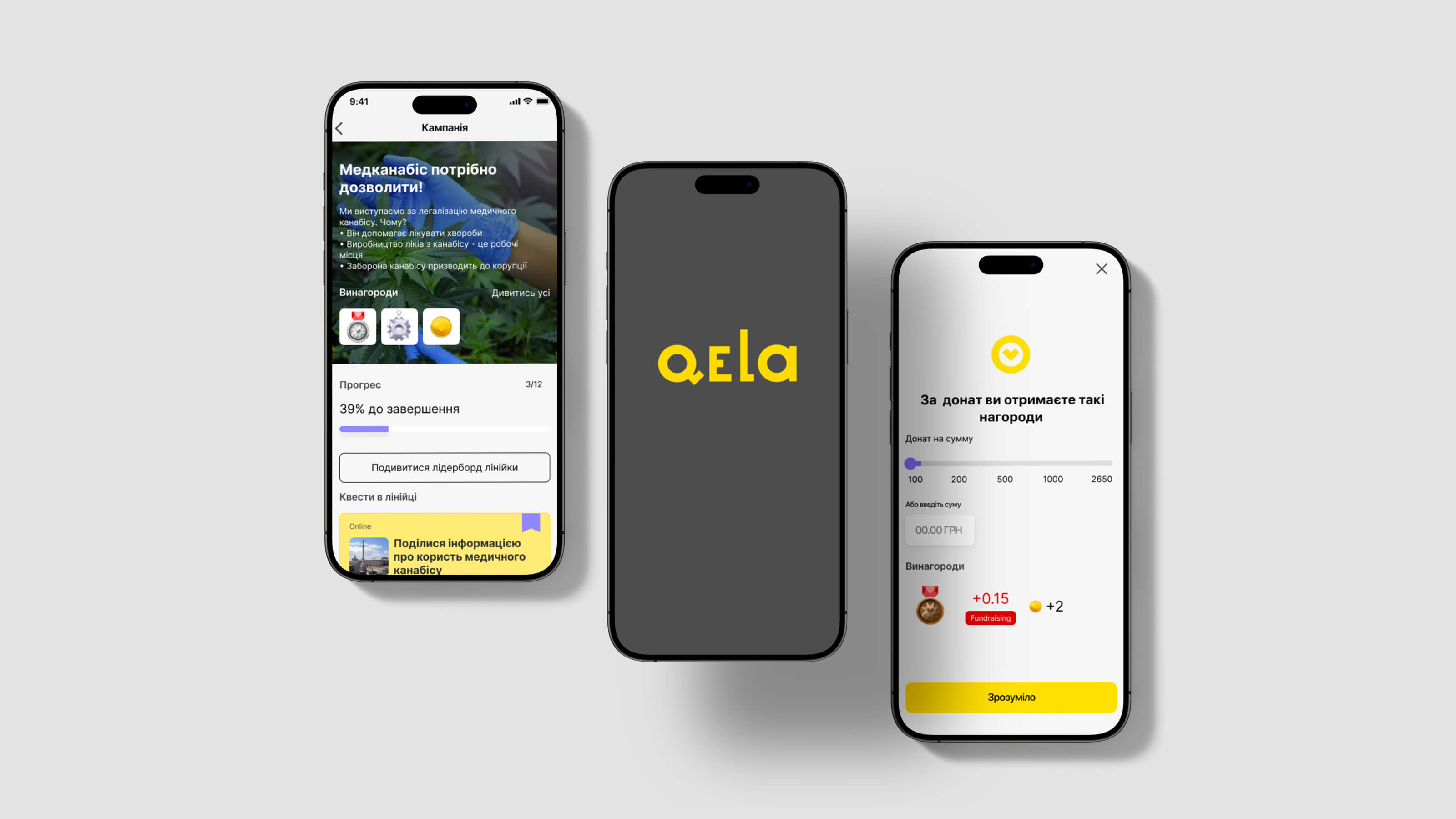
Qela
A native healthcare app — booking, telemedicine, secure medical-data exchange.
View case →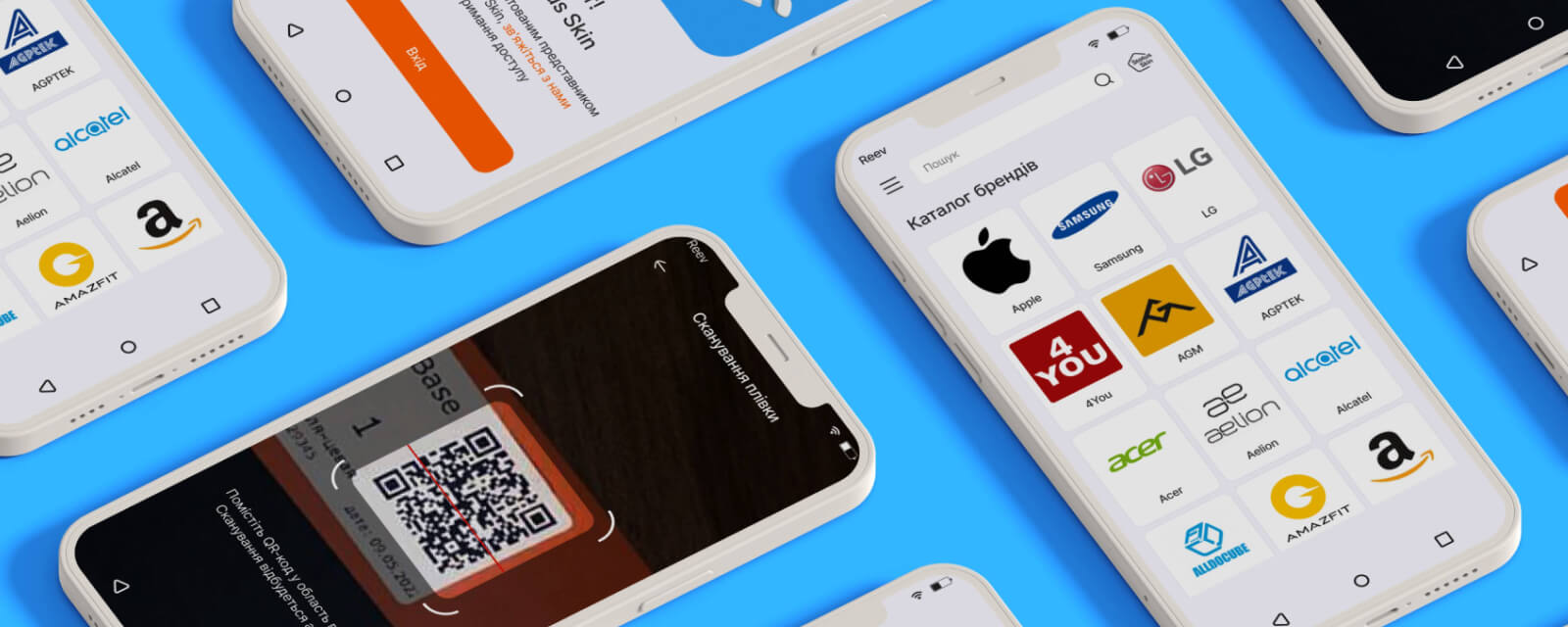
Status Skin
A native B2B app for iOS+Android. 16 weeks to release.
View case →FAQ about iOS app development
What language are iOS apps developed in?
Swift — Apple’s modern, safe language, with SwiftUI or UIKit for the interface. Older apps may use Objective-C, which we also support, but new products are built in Swift.
How much does iOS app development cost?
A single iOS app runs from $3,000 (MVP) to $15,000+ (a complex product). On its own native is no more expensive than Flutter: the premium only appears paired with Android, because that’s two codebases. Our calculator gives an exact range in 2 minutes.
Native iOS or cross-platform?
If you only need iOS, native is the right call — there’s no premium for one platform. If you need both iOS and Android, Flutter saves ~30%. Native is worth it for AR, heavy graphics and deep system integration. We’ll advise honestly at discovery.
Do you build custom iOS apps, not templates?
Yes — every project is custom iOS development with clean architecture, your own design system and full GitHub access. No templated shells.
Do you help pass App Store Review?
Yes. Since 2011 we’ve learned the typical rejection reasons (privacy, metadata, guidelines), prepare the app for submission and support the process. If it’s rejected because of our mistake, we fix it for free.
A word from an iOS developer
“I’ve written iOS since 2011 — seen every SDK generation from UIKit to SwiftUI. Choose native iOS in two cases: when the app is needed for one platform only, or when quality genuinely decides — 120 Hz smoothness, AR, Secure Enclave. Native isn’t more expensive on its own — the premium only appears paired with Android, because that’s two codebases instead of one. If you need both platforms and the details aren’t critical, I’ll honestly recommend cross-platform.
 Mykola TabuchenkoSenior iOS Developer · chyzh.agency · 15 years iOS · Swift / SwiftUI / UIKit · practice led by Serhii Kolodynskyi, Head of Mobile Dev
See also
Flutter cross-platform →
iOS + Android from one codebase with ~30% saved.Android development (Kotlin) →
Native Android for the largest device market.Mobile app development (overview) →
Every technology and the process in one place.Cost calculator →
Estimate your iOS app’s budget in 2 minutes.Planning a native iOS app?
A free 30-minute discovery call with Mykola and a PM. We’ll outline scope options and tell you honestly whether native iOS or cross-platform fits you. No commitment.