
What does an SEO audit include, and how do you know it’s usable?
 Dmytro Popryadukhin
Short answer. A full SEO audit checks six things: whether Google sees the pages it should, whether the templates are built correctly, whether pages match what people search for, how the site is structured, what’s going on with links, and whether visitors make it as far as getting in touch. But the list of areas says almost nothing about quality. A report you can actually work from is one where every finding has a list of URLs, evidence, the reason it matters, a specific fix, a way to verify it, and a priority.
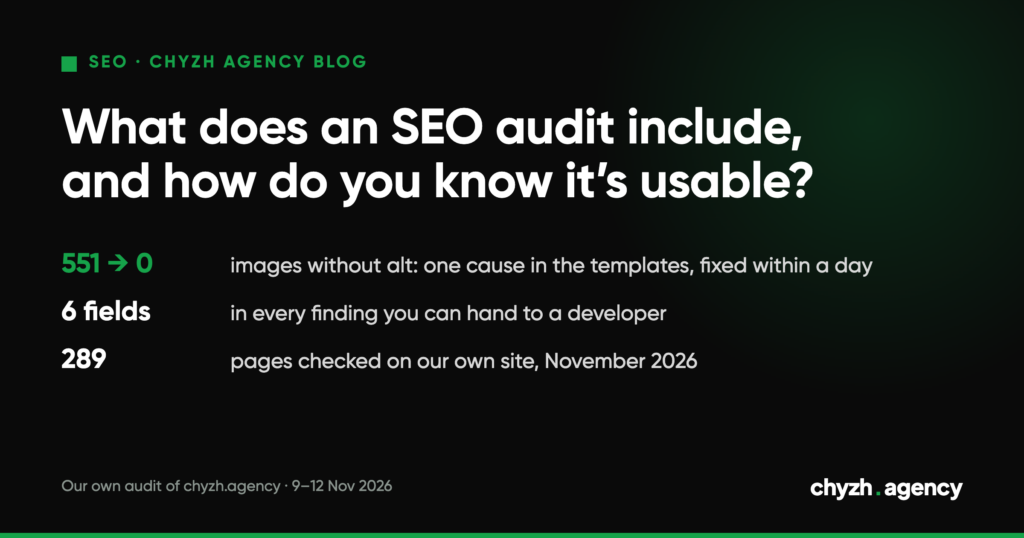
We ran two parts of that kind of audit on our own site on 9–11 November 2026: indexing and markup, 289 pages. The crawler counted 551 images with no alt text across 97 pages, and they all came down to one cause in the templates. We wrote a developer brief with 14 fixes on 11 November, and a re-check on the morning of the 12th showed the developer had done all 14. Below we walk through what was in the report and why it got done so quickly.
What an SEO audit checks
| Area | What gets checked | Data sources |
|---|---|---|
| Indexing and crawling | which pages are indexed, which dropped out and why, robots.txt, sitemap, redirects, duplicates | Search Console, crawler, server logs |
| Templates and markup | headings, meta tags, canonical, hreflang, structured data, speed, mobile version | page HTML, PageSpeed Insights |
| Content and search intent | whether the page answers what people search for, empty and thin pages, cannibalization | Google results, Search Console, page copy |
| Structure | page depth, internal links, pages with no inbound links | crawler |
| Links | who links to you, quality of linking sites, risky links | backlink indexes |
| Path to a lead | forms, buttons, analytics events | GA4, CRM, manual check |
Not every audit has to cover all six. If a site dropped after a redesign, the first two matter most. If it sits on page two and doesn’t move, the third and fifth. If a provider offers the same package for every situation, ask where they’d start in your case.
What every finding should contain
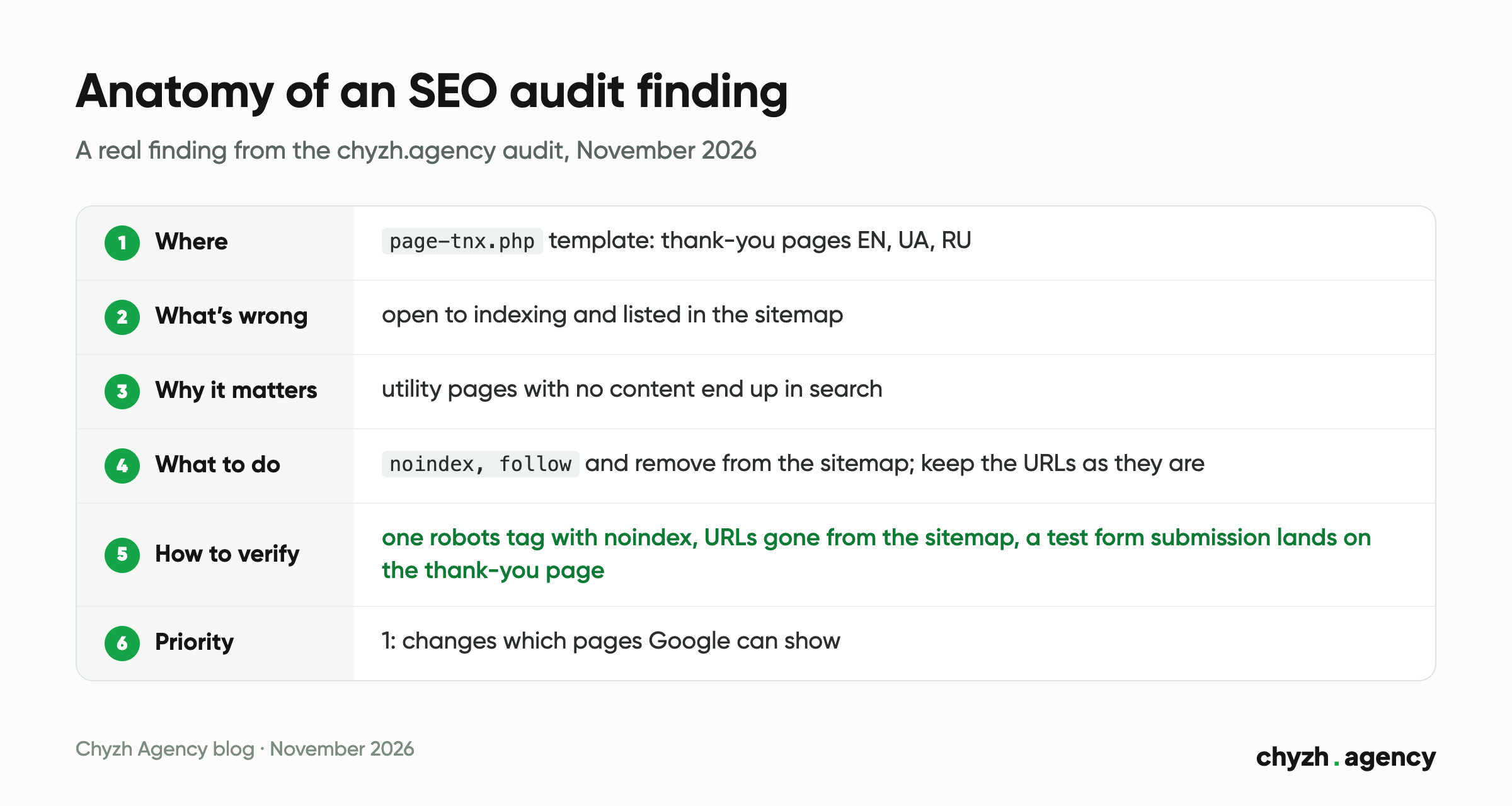
An audit report is made of findings, and it’s only as good as the weakest one. A finding can go to a developer without extra explanation if it has six fields.
| Field | What goes in it | Example from our audit |
|---|---|---|
| Where | a list of URLs or the template | page-tnx.php template, three thank-you pages: EN, UA, RU |
| What’s wrong | evidence: a line of code, a Search Console report, a screenshot | the pages are open to indexing and listed in the sitemap |
| Why it matters | the effect on indexing, clicks or leads | utility pages with no content end up in search |
| What to do | the specific fix | noindex, follow and removal from the sitemap; keep the URLs as they are, because forms redirect to them |
| How to verify | acceptance criteria | each URL has a single robots tag with noindex, none of the URLs are in the sitemap, a test form submission still lands on the thank-you page |
| Priority | order of work | 1: affects the index |
The “How to verify” field is the one most often missing, and it’s the one that heads off arguments. Without it the developer says “done”, the SEO says “it’s not working”, and they’re both right, because they understood the task differently.
Example: our own site audit, November 2026
The check covered 289 chyzh.agency URLs in three languages. We looked for utility pages in the index and for markup defects. Links, content and conversion were left out of this pass, so it covers two of the six areas and doesn’t count as a full audit.
| Finding | Count | Priority | 9–11 November | 12 November |
|---|---|---|---|---|
| Empty FAQ page in the index and sitemap | 1 page | 1 | returns 200, in the sitemap | returns 404, removed from the sitemap |
| Thank-you pages in the index | 3 pages | 1 | indexable, in the sitemap | noindex, removed from the sitemap |
| Test categories with two conflicting robots tags | 3 pages | 1 | theme sets noindex, SEO plugin sets index |
a single noindex tag |
Placeholder links (href="#" or empty) |
10 links | 2 | present | 0 |
Images with no alt text (alt="") |
551 on 97 pages | 3 | present | 0 |
| Tables with no column headers | 24 on 9 pages | 3 | present | 0 |
| h4 subheading right after the h1 | 18 pages | 3 | present | 0 |
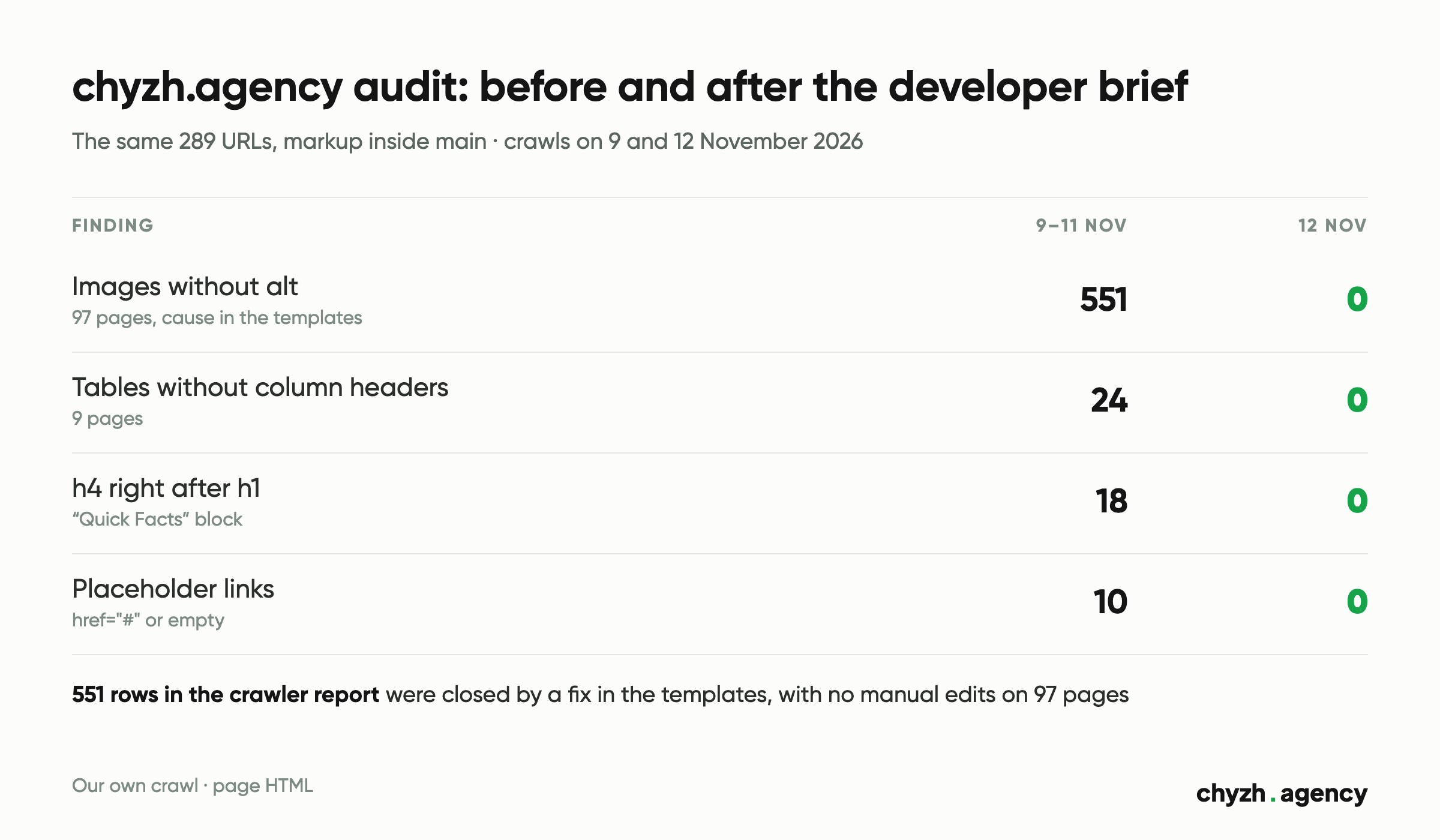
The biggest number in the table, 551 images, says the least about how much work there was. The crawler lists every image as its own row. There was only one cause: the case study templates pulled the alt text from the media library, and that field was empty. A fix in the templates closed all 551 at once. If the report had been a 551-row list, someone would have started typing alt text by hand on 97 pages.
We set priorities by consequence. Priority 1 went to anything that changes which pages Google can show. Priority 2 went to functional defects: links that go nowhere. Priority 3 went to markup that makes the page harder to parse for machines and for people using screen readers, but doesn’t break indexing.
How to tell an audit from a crawler export
A crawler like Screaming Frog or Sitebulb will turn out hundreds or thousands of rows in an hour. That’s raw material, and someone still has to turn it into an audit. Signs that raw material is what you were sold:
- issues are counted but not grouped by cause, so 551 images look like 551 tasks;
- there are no URL lists and nothing is tied to templates;
- the advice is generic: “improve speed”, “optimize meta tags”;
- there’s no Search Console data, meaning nobody looked at what Google actually indexed;
- everything is marked “critical”, or there are no priorities at all;
- there are no acceptance criteria, so there’s no way to check whether anything was fixed.
One of these on its own proves nothing. Three or more, and the report will need a second pass.
What to prepare before an audit
An audit goes faster and comes out more accurate if the provider gets these up front:
- read access to Search Console and Google Analytics;
- access to the site’s admin panel, or at least a list of templates;
- a change log: when the redesign, migration, CMS switch or URL structure change happened;
- the brief: what exactly worries you, for example a traffic drop from a specific date;
- contact details for the developer who’ll make the fixes.
You can run some of the checks yourself before the audit. The Pages report in Search Console shows what has dropped out of the index. Our schema validator shows which properties are missing from your structured data. And the AI crawler checker is worth running if visibility in ChatGPT answers or AI Overviews matters to you.
When an audit won’t produce results
An audit is worth exactly as much as the fixes someone actually makes. If nobody can make changes to the site, first find a developer or a provider who’ll take on implementation. Otherwise the report becomes one more document in a folder.
The second trap is ordering a full audit when you already know the problem. If traffic fell the day after a move to a new domain, check the redirects. The backlink profile can wait.
Next step
Tell us what’s bothering you and give us access to Search Console. That’s enough to work out which parts of an audit you actually need. In our SEO plans the audit is part of the work: quarterly on the Starter plan, and a full audit with ongoing implementation on the Growth plan. Details are on the SEO services page.
Author: Dmytro Popryadukhin, Head of SEO at Chyzh Agency. Reviewed by Yevhenii Chyzh, founder.
Sources: our own audit of chyzh.agency, 289 URLs, crawls on 9 and 12 November 2026 (page HTML, sitemaps, robots tags); developer brief dated 11 November 2026; plan contents on the chyzh.agency SEO services page, 12 November 2026.
Related articles
Where to find your old URLs, how to build a redirect map and which seven...
New pages on our site got a first impression in 14 days and a first...
What to check before the first call and what to put in an SEO contract....