
Store traffic but no sales: how to find the cause in four steps
 Dmytro Popryadukhin
Short answer. First, split organic traffic by landing page type and see exactly where the sales are missing. It often turns out that a large share of the “traffic” comes from articles, which don’t sell and aren’t supposed to. Then check whether people buy from categories and product pages, whether the cart breaks, and whether analytics records purchases at all. There’s no universal cause, so only a breakdown of the data gives you the answer.
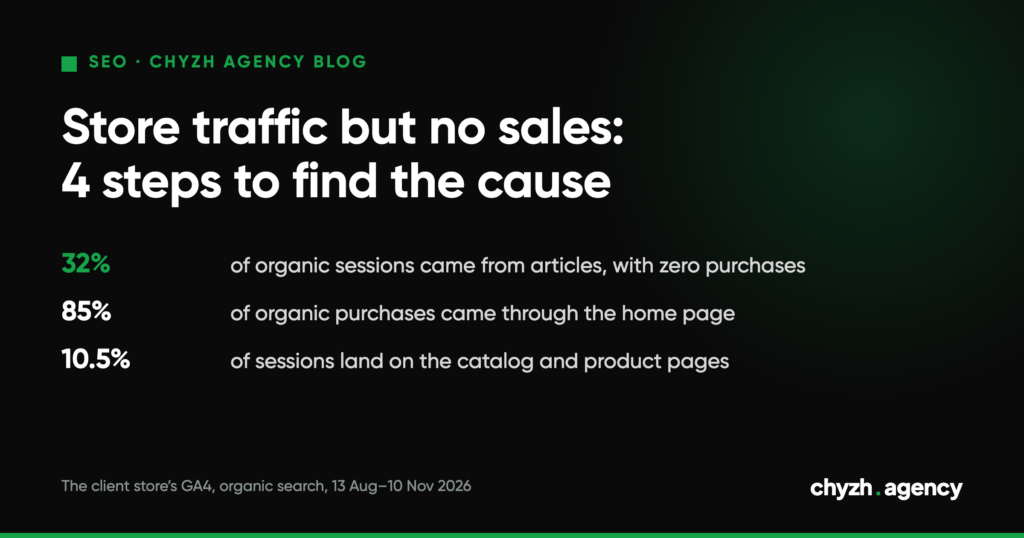
Here’s what that looks like at a real water delivery store we work with. Over 90 days, from 13 August to 10 November 2026, blog articles brought in 32% of organic sessions and not a single purchase. The home page brought in 41% of sessions and 85% of purchases.
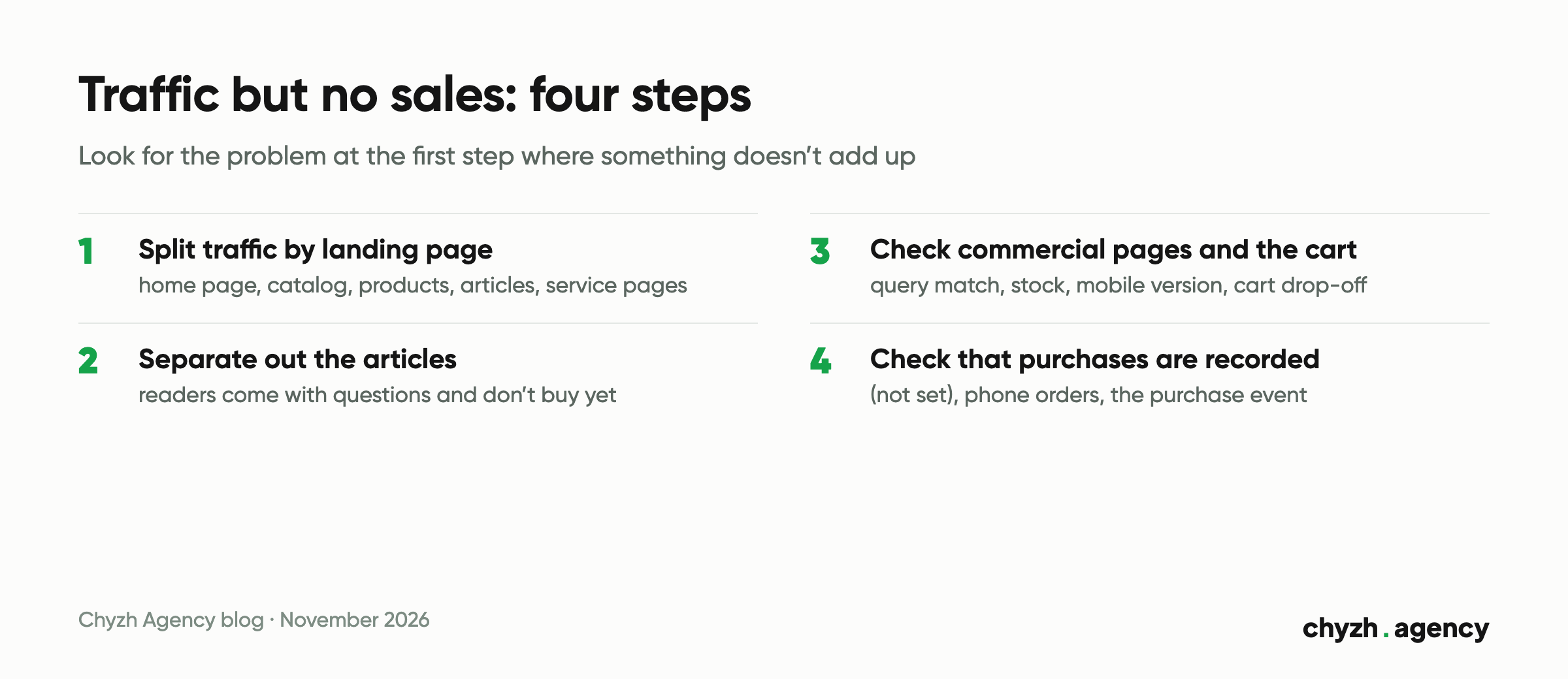
Step 1. Split traffic by landing page type
In GA4, open the Landing page report, filter it to the Organic Search channel and add purchases. Then group the pages: home page, catalog, product pages, articles, service pages.
| Landing page type | Share of organic sessions | Share of purchases | Purchase conversion rate |
|---|---|---|---|
| Home page (two language versions) | 40.8% | 84.7% | 14.1% |
| Blog articles (133 pages) | 32.0% | 0% | 0% |
| Service and info pages: delivery, cart, account, contacts | 12.2% | 11.2% | 6.2% |
| Product pages | 5.8% | 2.1% | 2.4% |
| Catalog | 4.7% | 2.1% | 3.0% |
| Landing page (not set) | 4.6% | 0% | 0% |
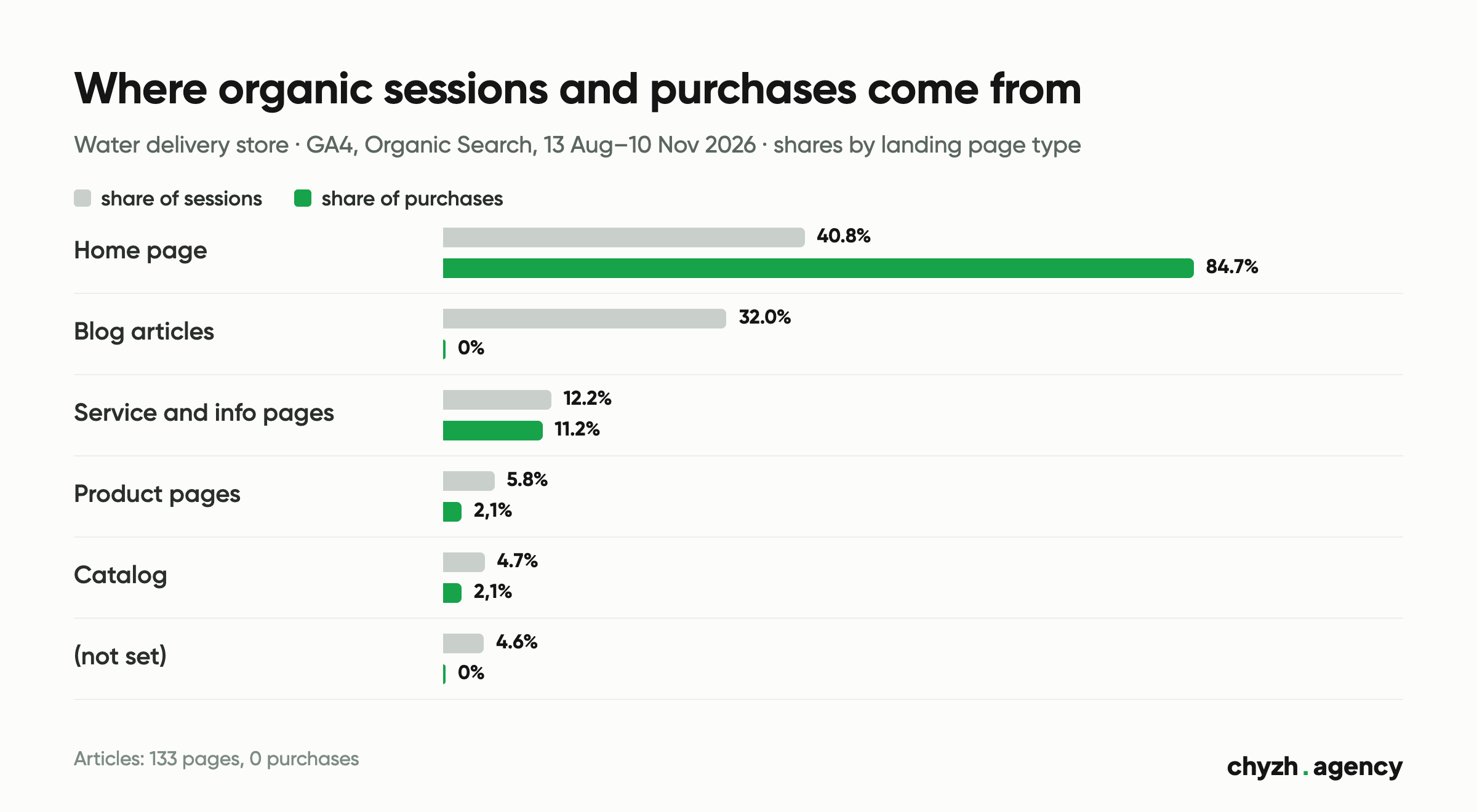
Overall organic conversion is 6.8%, and most of it comes from the home page. If you only look at the overall sessions chart, the articles inflate “traffic” that was never meant to sell.
Step 2. Separate articles from commercial pages
Articles bring in people with questions: is it normal for a child to drink a lot of water, how do you test water quality at home. At this stage they don’t buy, and expecting sales from an article is as odd as expecting them from a reference guide.
But articles need to be assessed separately, or they hide the problem. In our example, 133 articles brought in a third of organic traffic. Commercial traffic without the articles and the home page, meaning the catalog and product pages, is only 10.5% of sessions. That’s where the real work for store SEO is.
What to check:
– whether articles link to the relevant products or categories;
– whether article readers go on to the catalog (in GA4 you can see this in a path exploration or in the second page of the session);
– whether, in the reports you receive, articles have grown at the expense of commercial pages.
Step 3. Check commercial pages and the cart
If categories and products get traffic but convert poorly, the cause usually lies outside SEO. Check these one at a time:
- Query match. In Search Console, open the queries that bring people to a category. If people search for “price” and the page doesn’t show prices until you log in, they’ll leave.
- Stock. How many products in the category are available right now? A page with traffic and an empty range sells nothing.
- Mobile version. Go through the path from an organic landing to checkout on a phone. In our example, the store’s mobile version was rebuilt at one point precisely because of bugs in the filters and the mobile layout.
- Cart. Compare the number of add-to-carts, started checkouts and purchases. A sharp drop at one step points to a specific problem.
Step 4. Check that purchases are recorded at all
Some of the “traffic without sales” turns out to be sales that analytics doesn’t see.
- Landing page not set. In our example, 4.6% of organic sessions have “(not set)” as the landing page and zero purchases. These are usually sessions where the page view event didn’t fire, and they’re worth checking separately.
- Phone orders. At another store we work with, the same period shows 519 organic sessions and just one purchase in GA4. For a fertilizer store, where large orders are often placed by phone, that’s more likely a sign that purchases aren’t reaching analytics than a sign that organic search doesn’t sell. The only way to confirm it is to check against the CRM.
- Purchase event. Place a test order and check that the
purchaseevent reached GA4 with a value and currency.
When the cause isn’t SEO
If, after all four steps, commercial pages get relevant traffic, the cart works and purchases are recorded, the problem is the offer: price, delivery terms, range, trust in the store. All SEO can do here is bring more people to a page that already isn’t convincing them. It’s better to admit that honestly and start with the offer.
Next step
Start with step one: a report of organic landing pages with purchases for the last 90 days. It takes ten minutes, and more often than not it shows you right away where to look. How we work with categories, product pages and store revenue analytics is described on our ecommerce SEO page.
Author: Dmytro Popryadukhin, Head of SEO at Chyzh Agency. Reviewed by Yevhenii Chyzh, founder.
Sources: GA4 for two client stores, Organic Search channel, landing pages, sessions and purchases, 13 August–10 November 2026 (data without store names or revenue figures); our development case study for the water delivery store (mobile version rebuild, bugs in filters and checkout).
Related articles
Definitions, a monthly report template and a real shop where organic search brought 9.5% of...
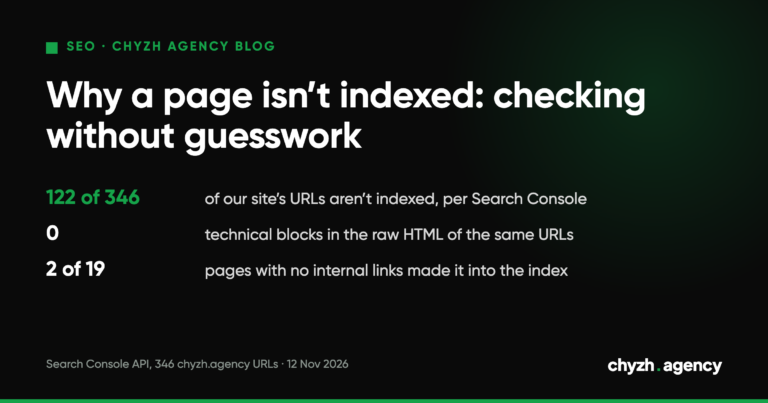
A five-step URL Inspection route: status, crawl, canonical, quality. Plus 346 of our own URLs:...
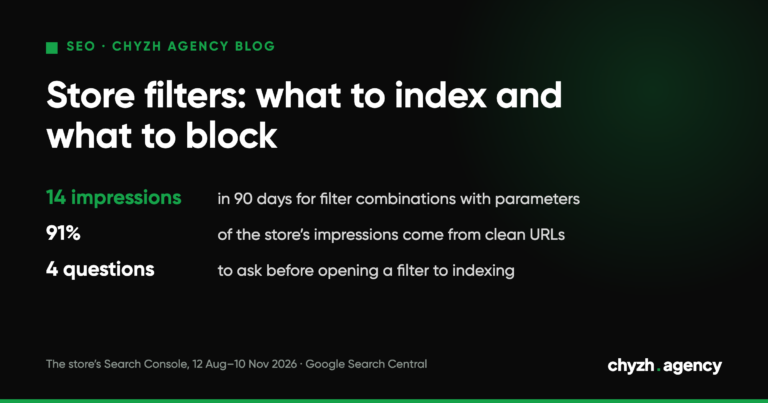
A decision tree for store filters, what Google says about robots.txt and 404s, and real...